Home / Automatic Doors / RUN-CHICKEN T50 2025 Won’t Connect to the App? Check Which Drive Unit You Have
RUN-CHICKEN T50 2025 Won’t Connect to the App? Check Which Drive Unit You Have
RUN-CHICKEN’s T50 naming can be confusing because the door body and the drive unit have changed across generations. A T50 that will not appear in the app may be working exactly as designed if it is the standalone 2025 version.
Quick answer
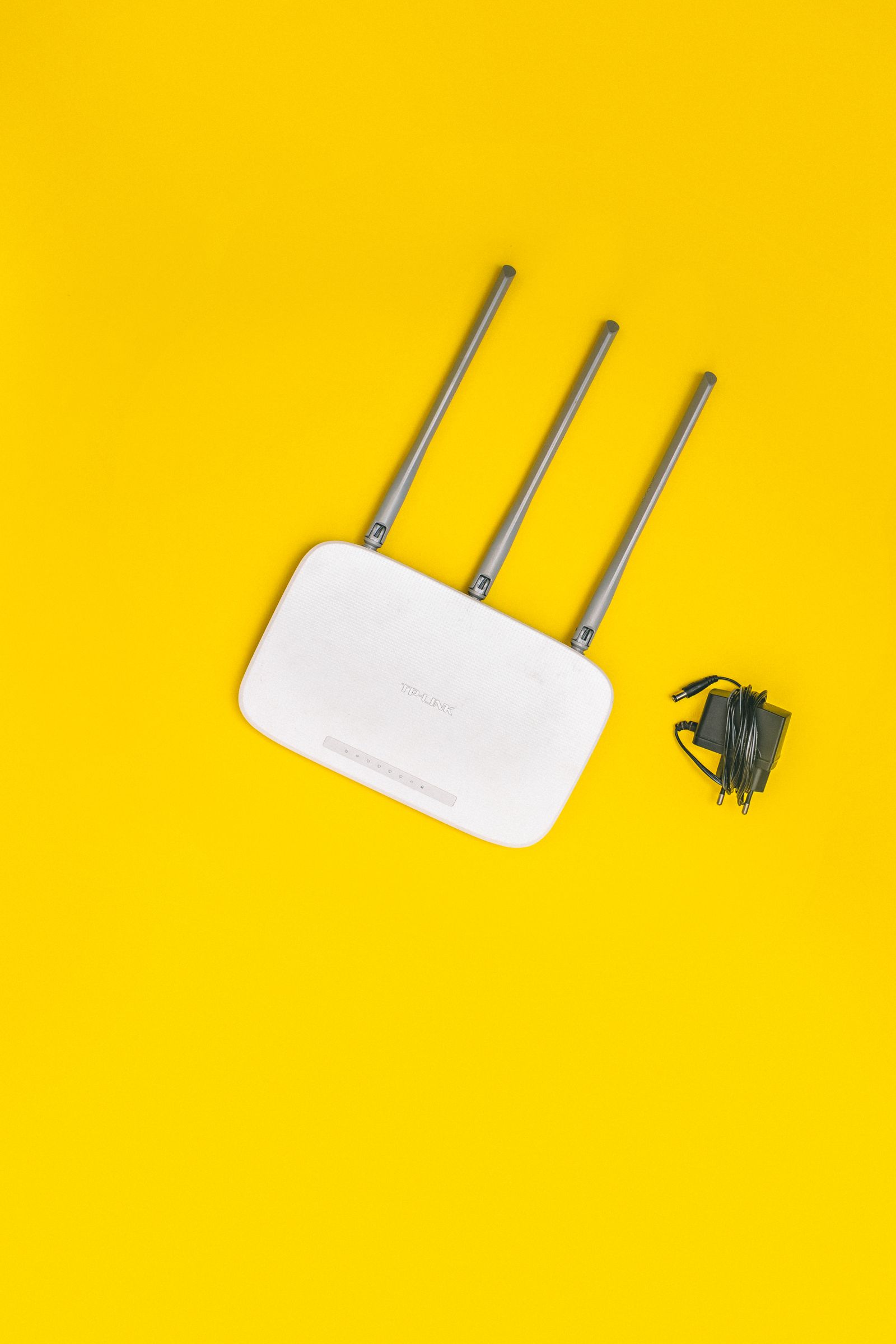
RUN-CHICKEN currently lists a T50 Door 2025 configuration that operates standalone and does not support Bluetooth, Wi-Fi or the app. The company also sells newer Bluetooth-capable T50 drive units that can upgrade older doors. Check the drive unit, not just the word “T50,” before troubleshooting app pairing.
Why T50 app information can look contradictory
RUN-CHICKEN has kept the T50 name while updating the electronics over time. That means two doors labeled T50 can have different connectivity.
The standalone T50 2025 listing
RUN-CHICKEN’s current product information for the T50 Door 2025 states that it is standalone, has no Bluetooth or Wi-Fi and cannot connect to the app.
The newer T50 drive unit
RUN-CHICKEN also sells a Bluetooth-enabled T50 replacement or upgrade drive unit that supports app programming, battery level, schedules and manual control.

How to identify which one you have
Look at the drive unit and instructions that came with the door. If the manual directs you to app-based Bluetooth setup, you have an app-capable unit. If programming is entirely standalone, attempting to pair it is unnecessary.
Do not factory reset a standalone unit just to make Bluetooth appear
A reset cannot add radio hardware that the unit does not have. Confirm compatibility first.
Can an older T50 be upgraded?
RUN-CHICKEN’s current replacement drive unit is listed as compatible with several older door generations, including T50.
Frequently asked questions
Why does one RUN-CHICKEN page say T50 has Bluetooth and another say it does not?
The company has different T50 generations and drive-unit configurations. The exact drive unit determines connectivity.
Can a standalone T50 be made app-compatible?
A compatible replacement or upgrade drive unit may add app functionality where supported.
Sources checked
We compared RUN-CHICKEN’s current T50 Door 2025 listing with its current Bluetooth T50 Drive Unit specifications.