Home / Automatic Doors / ChickenGuard Ext Light Error: What It Means and How to Turn It Off
ChickenGuard Ext Light Error: What It Means and How to Turn It Off
The ChickenGuard “Ext Light Error” is unusually specific: the controller is looking for an external light sensor that is not being used. Clearing it is normally a settings change, not a motor repair.
Quick answer
Open Misc Settings, find Ext Light Sensor and set it to No. On some 2023 models, the option is inside the Secret Menu instead. Once the external sensor setting is disabled, the Ext Light Error should disappear.
What causes the Ext Light Error?
The message appears when the opener is configured to look for an external light sensor. ChickenGuard notes that this accessory is not available for Mark-5 models, so the setting should normally be off.
1. Try Misc Settings first
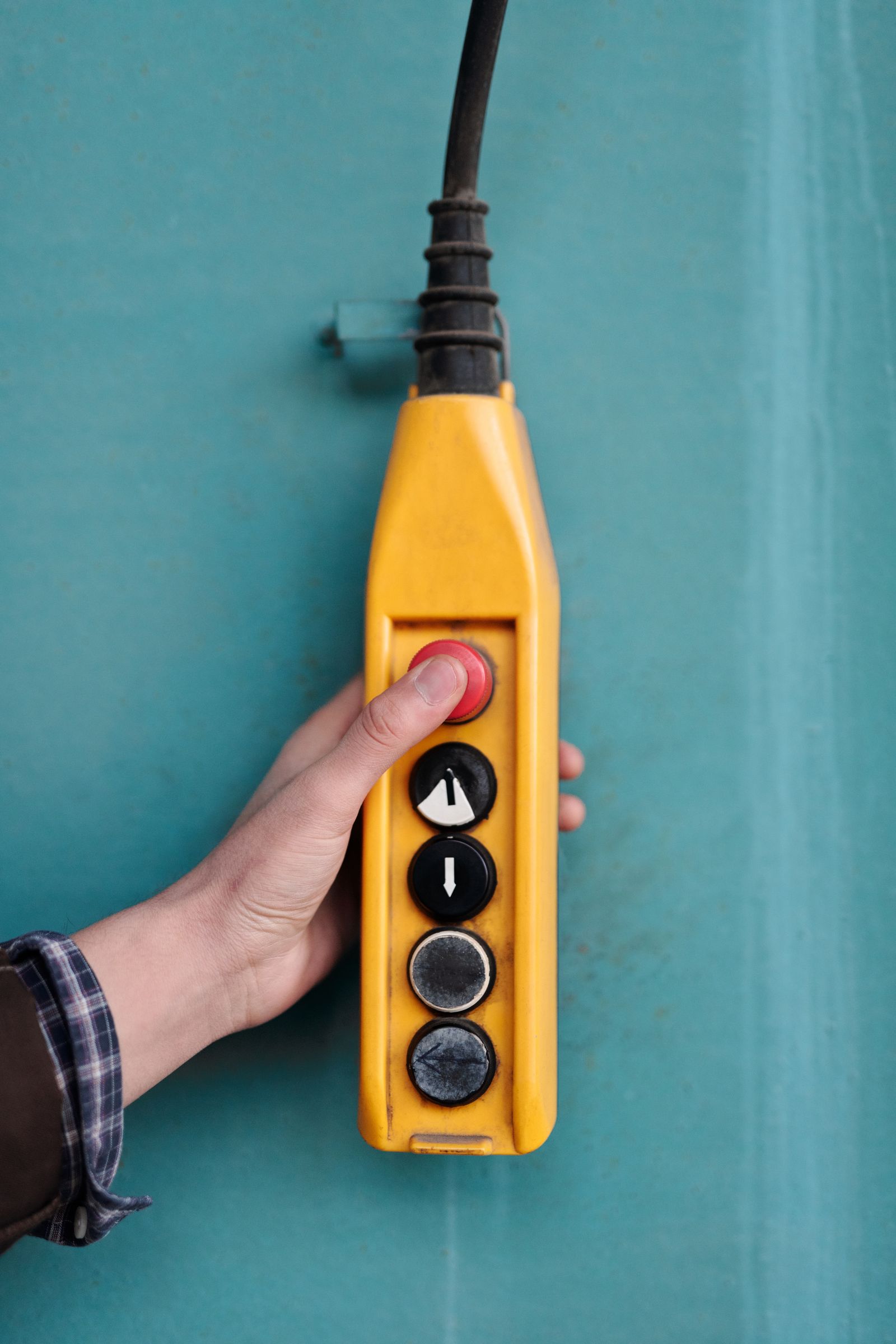
Wake the screen, enter Settings, open Misc Settings, find Ext Light Sensor and select No.
2. Check the Secret Menu on older 2023 units
If the option is not visible in Misc Settings, ChickenGuard says some 2023 models place it in the Secret Menu.
3. Exit back to the home screen
After selecting No, leave the menu normally and confirm the error no longer returns.
4. Recheck normal light-sensor behavior
The external-sensor option is separate from normal built-in light sensing. If your regular light-based schedule is wrong, use our light-sensor placement guide.
5. Do not confuse this with a failed built-in sensor
This message is about external sensor configuration. A built-in sensor that reads the wrong LUX value is a different path.
Frequently asked questions
Do I need to buy an external light sensor?
No. ChickenGuard’s guidance for this error is to turn the external sensor option off.
Why can’t I find Ext Light Sensor in Misc Settings?
On some 2023 models it may be inside the Secret Menu.
Will turning it off disable normal automatic light mode?
No. The external sensor setting is distinct from normal onboard light sensing.
Sources checked
We checked ChickenGuard’s current Ext Light Error documentation and glossary.
Related automatic-door guides
If the error appears specifically while taking a light reading, see ChickenGuard LUX reading shows Err.
ChickenGuard help hub: See all ChickenGuard troubleshooting guides or browse automatic door error codes by brand.