Home / Automatic Doors / ChickenGuard Screen Won’t Turn On After Changing Batteries? 7 Checks
ChickenGuard Screen Won’t Turn On After Changing Batteries? 7 Checks
A blank ChickenGuard screen after a battery change is usually a power-delivery problem. The important detail is that the opener uses four AA batteries, and all four must be installed correctly.
Quick answer
Confirm all four AA batteries are new, alkaline and installed with the negative end against the spring. Try a second fresh set if needed. If the screen still stays blank, inspect the battery box and its connector before assuming the controller itself has failed.
1. Confirm you replaced all four batteries
Some ChickenGuard battery holders make two cells easier to see than the others. Replacing only two will not provide enough power.
2. Check polarity
The negative end of each battery should touch the spring. One reversed cell can keep the whole unit from powering up.
3. Use fresh alkaline batteries
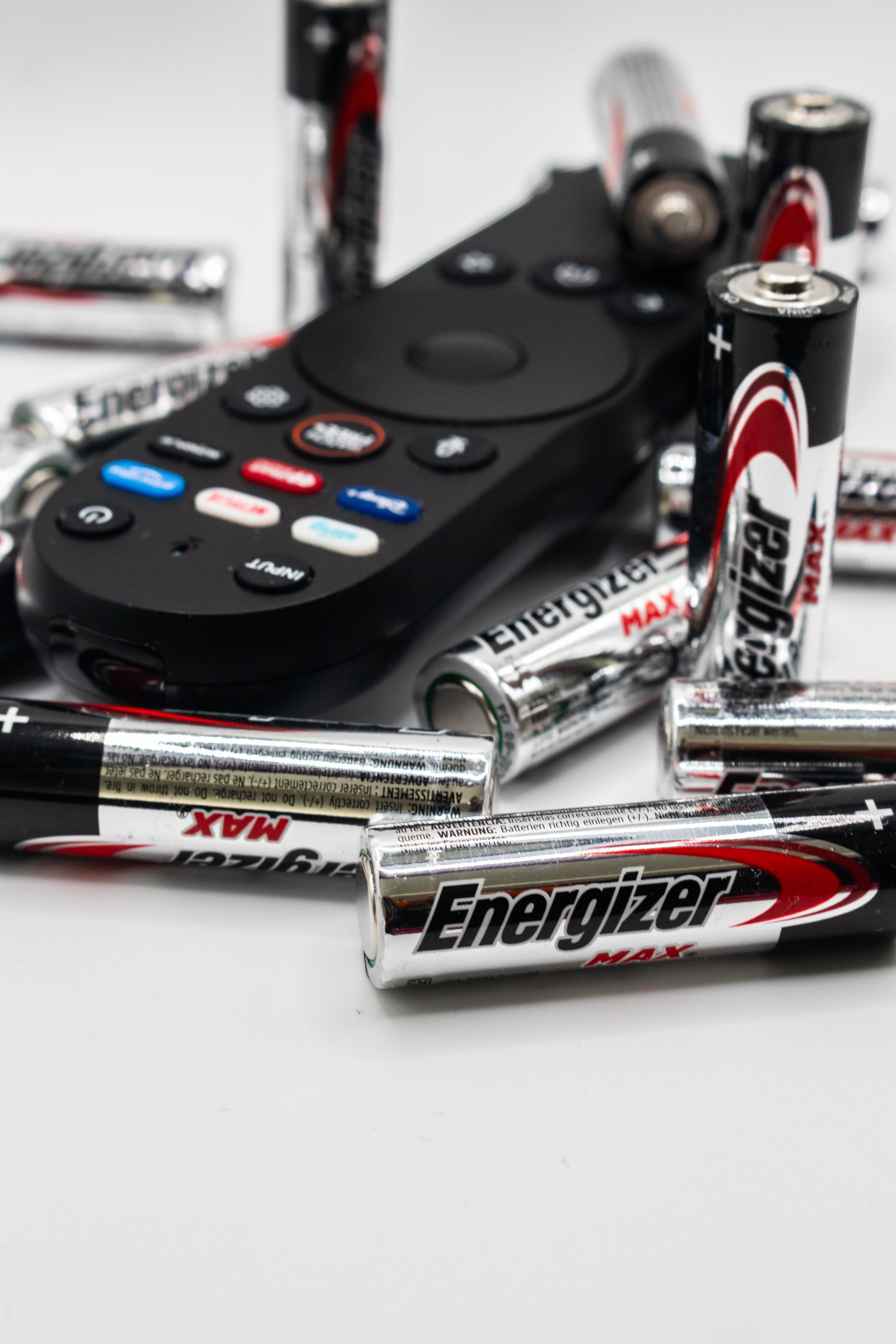
For standard units, ChickenGuard calls for fresh AA alkaline batteries. If the first new set does nothing, try a second set.
4. Inspect the battery contacts
Look for dirt, oxidation or a contact that is not pressing firmly against the battery. Clean only with the power removed.
5. Check the battery-box connector
Make sure the battery holder is fully connected and the cable is not pinched or damaged.
6. Distinguish a blank screen from normal sleep mode
A display that goes dark after inactivity can be normal. A display that will not wake when a button is pressed is a different issue.
7. Isolate the failed part if power still does not return
ChickenGuard’s support documentation includes additional diagnostics for identifying whether the battery box or front panel is at fault. Follow those only as documented.
Frequently asked questions
Can the screen work with only two new batteries?
No. The opener requires the full four-cell set.
What if the screen wakes but shows low battery?
Use our low-battery-after-replacement guide.
Sources checked
We checked ChickenGuard’s current screen-will-not-power-on and battery troubleshooting guidance.