Home / Automatic Doors / Wi-Fi & App-Controlled Chicken Coop Doors: Are Smart Features Worth It?
If an Omlet Smart Autodoor repeatedly drops offline, see our Omlet Wi-Fi disconnect troubleshooting guide.
Wi-Fi & App-Controlled Chicken Coop Doors: Are Smart Features Worth It?
A smart door can tell you whether the coop is open or closed without walking outside, but connectivity adds another layer that needs to work reliably.
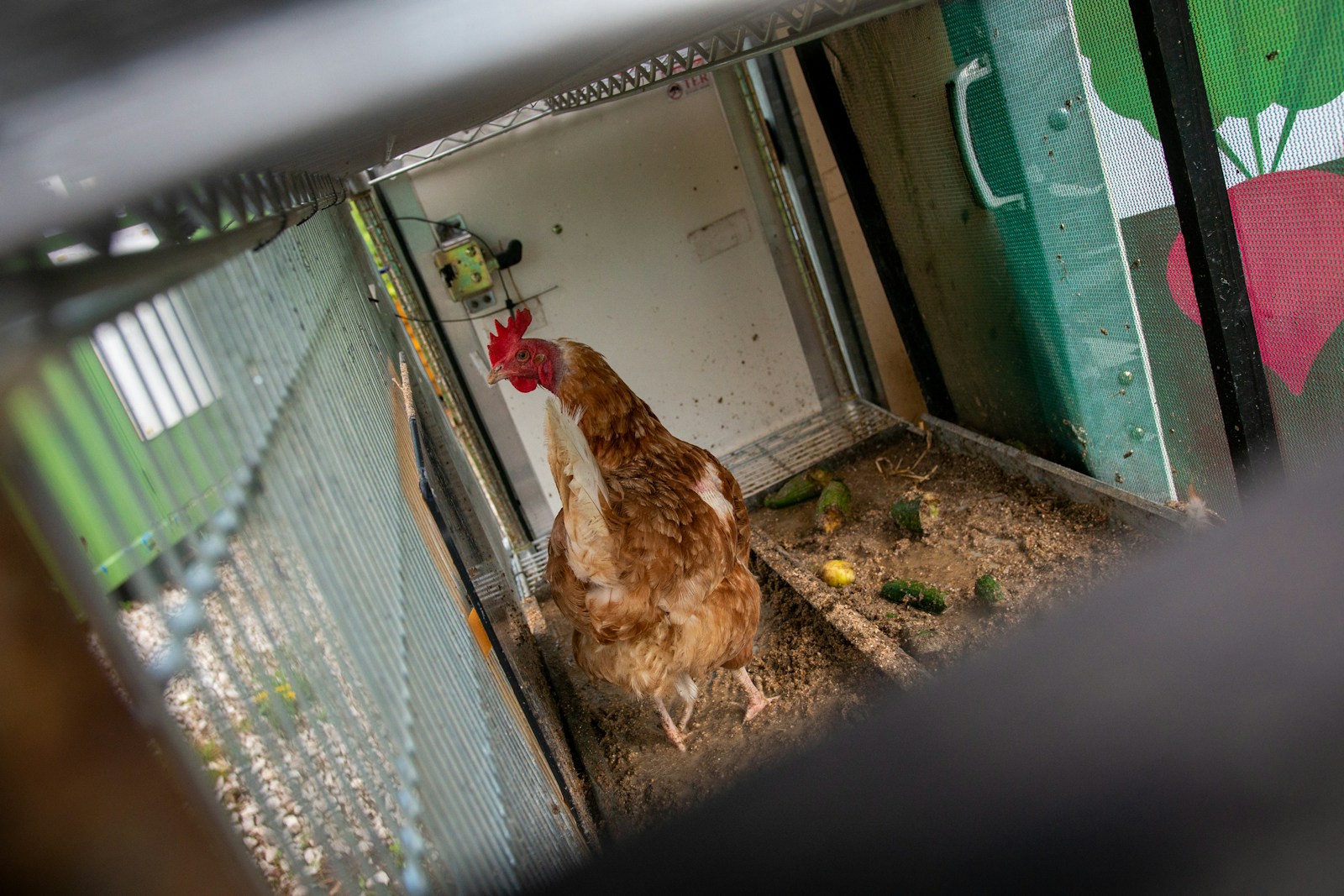
A smart door can tell you whether the coop is open or closed without walking outside, but connectivity adds another layer that needs to work reliably.
What app control adds
Depending on the model, app-connected doors can provide remote open and close commands, scheduling, status checks, battery alerts and notifications. The most useful feature for many owners is not remote control itself; it is knowing whether the door actually completed its scheduled action.
When Wi-Fi is genuinely useful
Remote status is valuable if you travel, work irregular hours or have a coop far from the house. It can also help when weather makes a trip outside inconvenient. For a small coop ten steps from the back door, the benefit may be much smaller.
The weak-Wi-Fi problem
Before buying, check signal strength at the coop. Exterior walls, distance and metal structures can reduce coverage. A door should ideally keep following its local schedule even if internet access disappears. Confirm how the model behaves offline rather than assuming the app is only an optional extra.
App versus simple timer
A timer is easy to understand and does not depend on a network. Light sensors adapt to seasonal daylight. Apps add flexibility and visibility. The best system is the one that matches your routine, not necessarily the most advanced one.
Security and account basics
Use a unique password for the device account, keep the app and firmware current when updates are provided, and avoid sharing credentials. If the device connects to your home network, treat it like any other smart-home product.
Offline behavior matters
Ask what happens during an internet outage. A well-designed smart feature should not prevent the door from following its stored local schedule. If connectivity is required for basic operation, that dependency deserves extra scrutiny.
Notifications can reduce anxiety
Status alerts can be useful when you are away, but only if they are clear and reliable. Too many non-actionable notifications become noise. The ideal alert tells you that something requires attention, such as a low battery or an incomplete closing cycle.
Bottom line
Smart features are worth paying for when they give you meaningful remote visibility. They are less useful when they replace a simple, dependable local control system rather than complementing it.
Related guides
Disclosure: We may earn a commission from qualifying purchases made through links on this site. We do not claim hands-on testing unless an article explicitly says a product was tested.
Decide whether connectivity belongs in the system
If weak signal or app dependence worries you, compare our best non-Wi-Fi approaches. If you prefer local automation, the timer vs light sensor guide explains the two most useful offline control strategies.
Smart features should be additive
A good smart door should still be a competent automatic door when the internet is unavailable. That means schedules should ideally be stored locally, manual controls should remain available and the basic mechanism should not depend on a cloud service for every movement. Connectivity should add visibility and convenience, not become a single point of failure.
Check coverage before you buy
Stand at the coop with your phone connected to the same Wi-Fi network and check signal quality. If the connection is already marginal, assume a small embedded device may have an even harder time. A mesh access point can improve coverage, but buying networking hardware solely to make the coop door work changes the real cost of the system.
What notifications are actually useful?
Useful alerts include low battery, failed close, obstruction or a status change that did not match the schedule. A constant stream of routine notifications can make owners stop paying attention. Look for an app that allows you to control which events generate alerts.
Frequently asked questions
Will the door stop working if Wi-Fi goes out?
It depends on the model. Look for documentation explaining offline behavior. Prefer a system that can continue local schedules without an internet connection.
Can I open the coop door when I am away from home?
Some app-connected models support remote commands, but confirm this for the exact current version. Also remember that a remote command cannot solve a physical obstruction at the coop.
Is Bluetooth the same as Wi-Fi control?
No. Bluetooth usually requires you to be relatively close to the device, while Wi-Fi can enable remote internet-based access. Product listings sometimes use “smart” broadly, so check which connection is actually included.
Are smart coop doors secure?
Treat them like other connected home devices. Use a unique password, keep software updated and review account permissions. A secure account does not replace physical coop security.
How CoopGear Lab evaluates this topic
We focus on practical criteria such as reliability, fit, weather tolerance, power, controls and maintenance. We separate published specifications from hands-on experience and do not claim testing that did not occur.
Continue with these guides
Affiliate disclosure: CoopGear Lab may earn a commission from qualifying purchases made through links on this site, at no additional cost to you. Affiliate relationships do not change our comparison criteria. Read the full disclosure.