Home / Automatic Doors / ChickenGuard Motor Power Error: What It Means and How to Fix It
ChickenGuard Motor Power Error: What It Means and How to Fix It
A ChickenGuard “MOTOR POWER ERR / Recalibrate Door” message usually points to either weak power or excess resistance. The fastest route is to check voltage first, then the string and door movement before recalibrating.
Quick answer
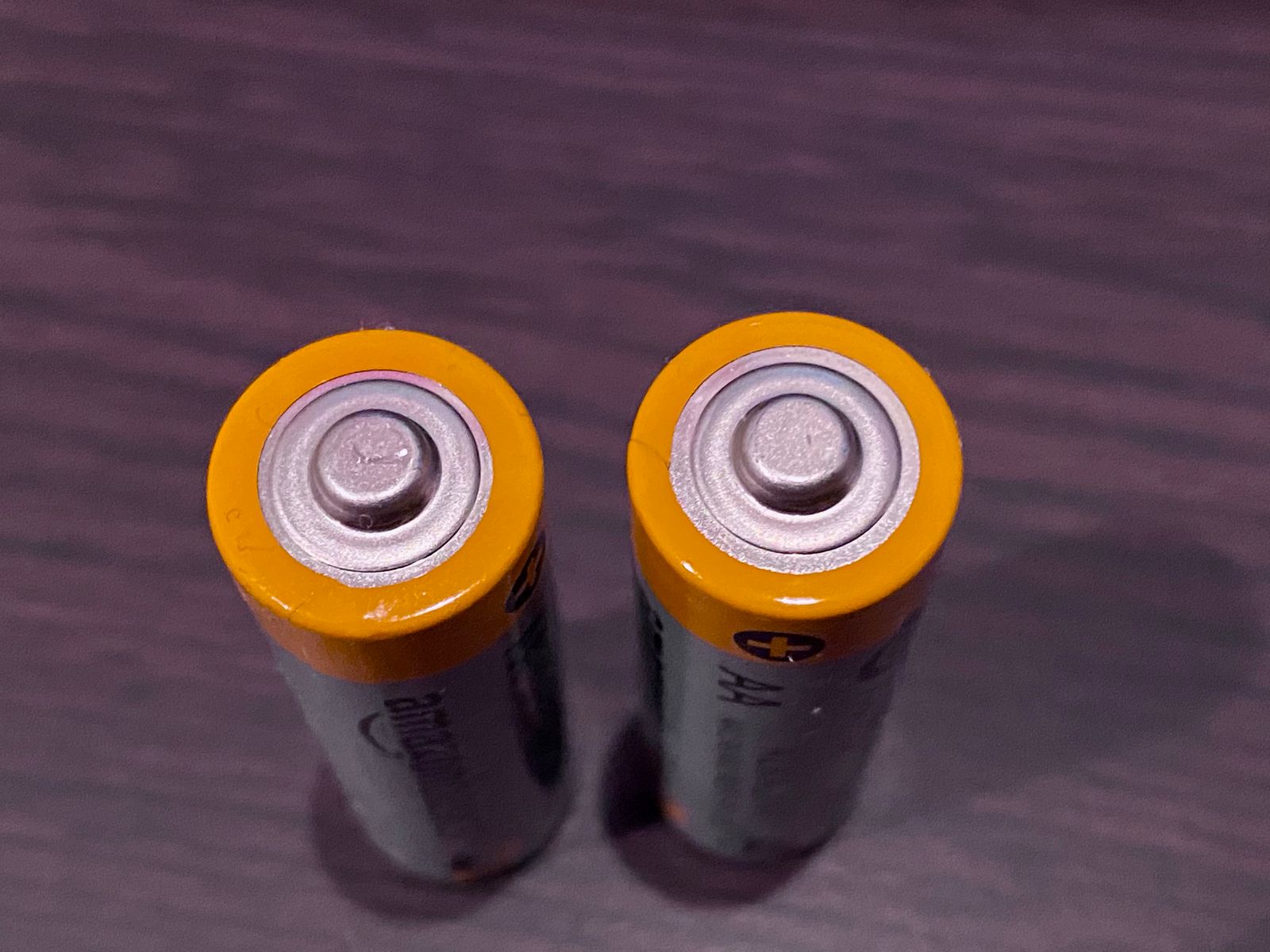
ChickenGuard says the motor works best at about 5.7V or higher. If the unit reads 5.4V or lower, replace all four AA batteries. If voltage is healthy, check for a tangled string, tight runners, a stuck door or loose motor wiring before recalibrating.
1. Check battery voltage before anything else
Open Misc Settings and find the battery-voltage screen. A weak set can still power the display while failing under motor load. Replace all four batteries together if voltage is low.
2. Inspect the string around the spindle
A string wrapped around the motor shaft can create enough drag to trigger the error. Do not keep running the motor against a tangle.
If the string itself is the problem, see our ChickenGuard tangled-string guide.
3. Check the door and rails for friction
Wood can swell, rails can shift and winter ice can add resistance. The door should move freely without scraping or sticking.
4. Check the motor wires
Inspect the red and black motor leads and make sure they are seated on the correct board pins. Also check that the wires have not been pinched between the case and front panel.
5. Look for dirt or a loose connection
Loose connections or visible corrosion can contribute to erratic power delivery. Use only a dry, gentle cleaning method around electronics.
6. Recalibrate after the cause is fixed
Once the door moves freely and power is healthy, perform a fresh calibration. Recalibrating before fixing the drag usually makes the error return.
7. Test with a lighter load if the error persists
If calibration still fails, disconnect the door and test the motor with a lighter load. Smooth motor operation with the door detached points back to door weight, balance or rail resistance.
Frequently asked questions
Does Motor Power Error mean the motor is bad?
No. ChickenGuard’s troubleshooting starts with voltage, string and door resistance.
Can cold weather cause this error?
Yes. Cold can reduce battery performance and ice can increase mechanical resistance.
Sources checked
We checked ChickenGuard’s current Motor Power Error and calibration troubleshooting guidance.