Home / Automatic Doors / Omlet Autodoor Batteries Draining Too Quickly? 7 Things to Check
Omlet Autodoor Batteries Draining Too Quickly? 7 Things to Check
Fast battery drain on an Omlet Smart Autodoor can be caused by software, battery choice or poor connectivity. A weak Wi-Fi signal is especially easy to overlook because the door may still work while the panel spends extra energy reconnecting.

Quick answer
Update the firmware, confirm the batteries are compatible, check Wi-Fi strength and use the correct power-saving settings. If the door is running offline, make sure Wi-Fi is actually disabled so the panel is not wasting power searching for a network.
1. Update firmware first
Omlet has documented battery-life improvements in firmware. An older offline panel can miss those updates unless it is temporarily connected and updated.
2. Use compatible batteries
Battery chemistry and voltage matter. Follow Omlet’s current compatibility list rather than mixing old and new cells or substituting whatever is nearby.
3. Check Wi-Fi strength
Poor signal can make the panel reconnect repeatedly, increasing power use. Omlet flags low or unstable signal as a battery-drain factor.
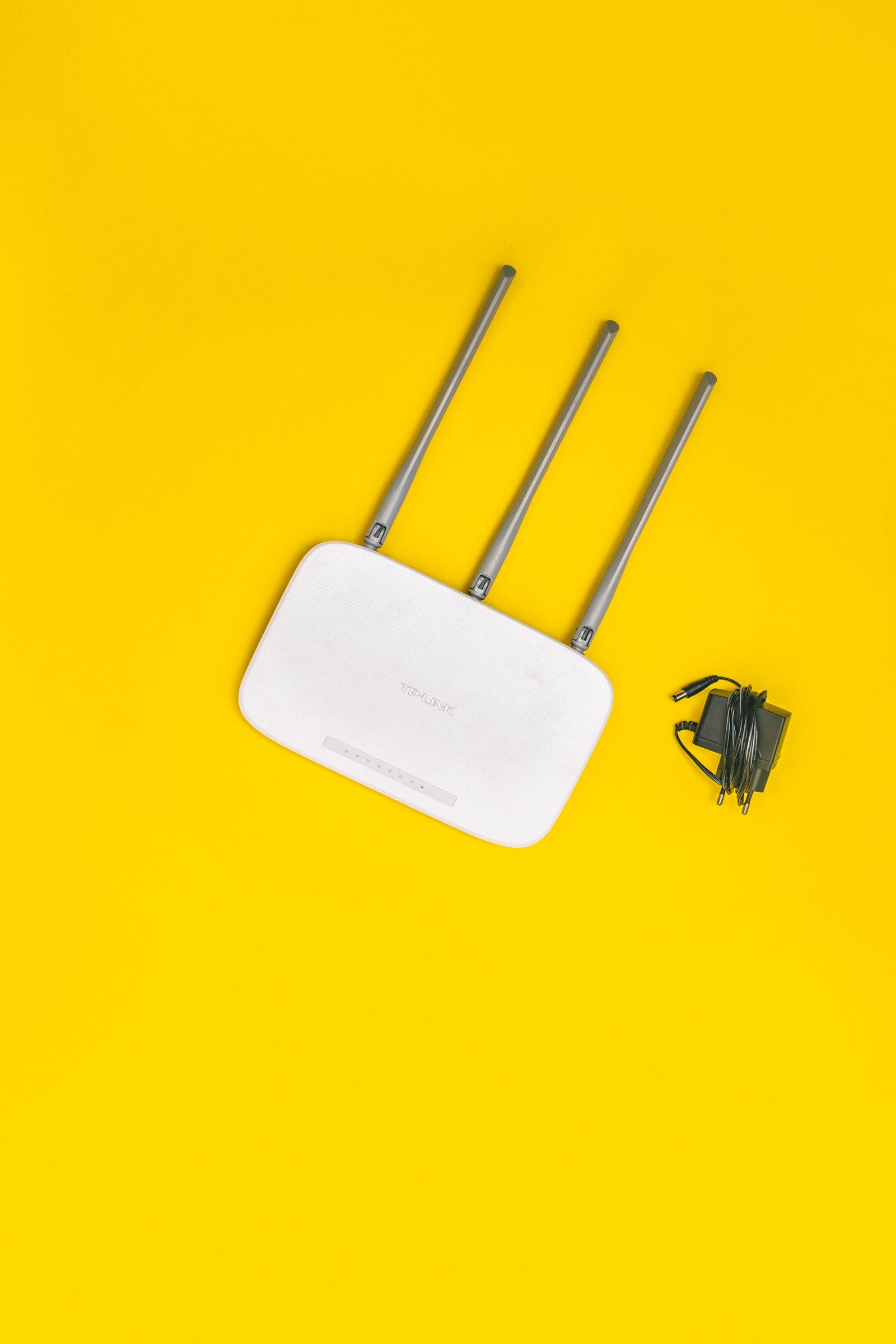
4. Improve or disable weak Wi-Fi
If signal cannot be improved with router placement or an extender, offline use may be more efficient than maintaining a marginal connection.
5. Check power mode
Use Omlet’s power-saving settings when running on batteries. Features that keep the panel awake more often can shorten battery life.
6. If running offline, turn Wi-Fi off
Offline operation is not the same as simply having no connection. Disable the Wi-Fi option so the panel stops searching for a network.

7. Watch battery life after one controlled change
Make one change at a time and monitor the trend. If batteries still drain unusually fast after firmware, signal and settings are corrected, contact Omlet support.
Frequently asked questions
Can weak Wi-Fi drain the Omlet Autodoor batteries?
Yes. Omlet includes Wi-Fi troubleshooting in its battery-drain checklist.
Should Wi-Fi be disabled in offline mode?
Yes. Omlet specifically recommends checking that Wi-Fi is disabled when the door is used offline.
Sources checked
We checked Omlet’s current battery-drain and connectivity troubleshooting guidance.
Related automatic-door guides
If the screen is lit but the buttons do not respond, use our Omlet control-panel troubleshooting guide.
Omlet help hub: See all Omlet Autodoor troubleshooting guides or browse automatic door error codes by brand.